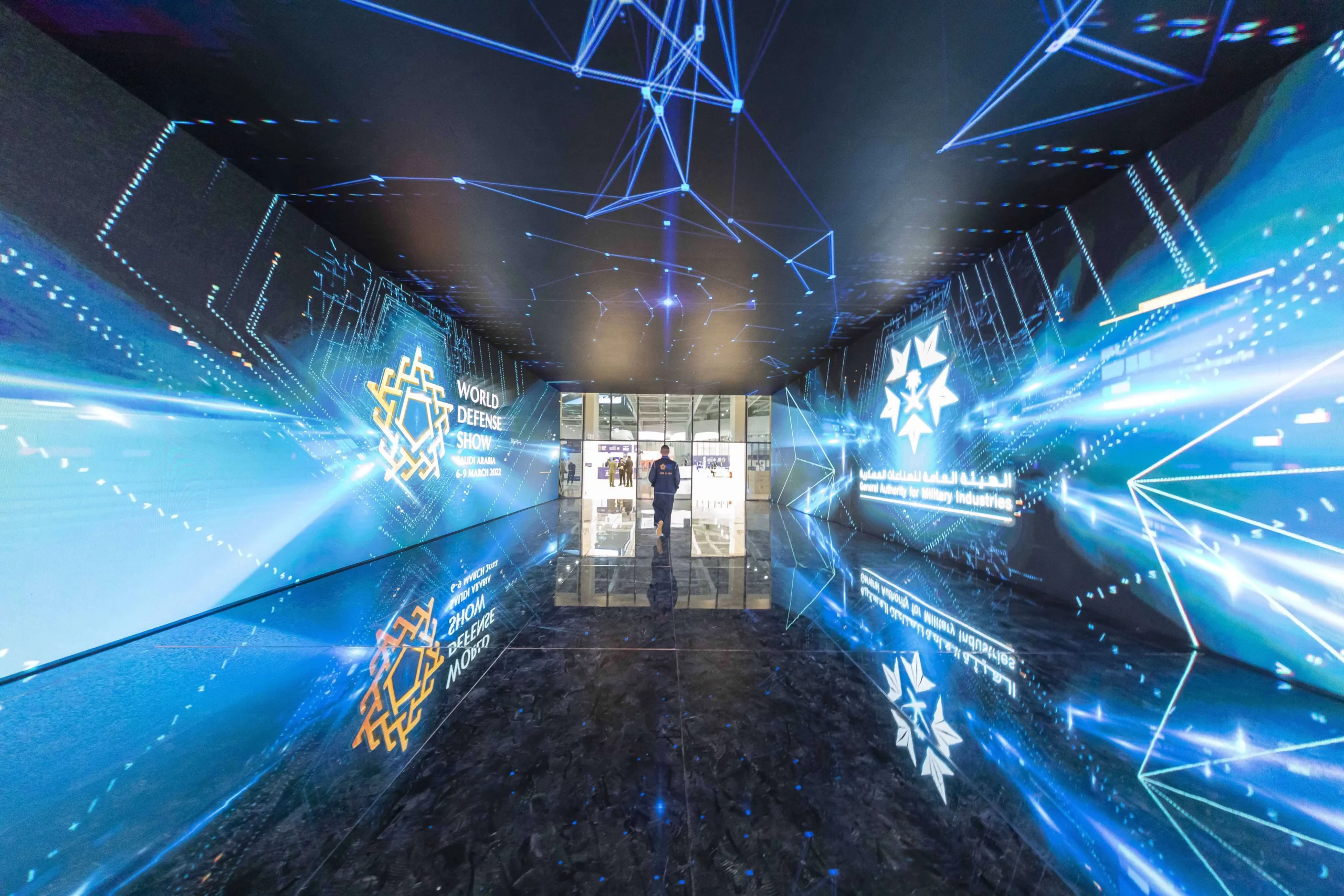
Most clients don’t ask for an “LED wall.” They ask for a moment: the wow effect when someone steps into your booth, sees a massive canvas, and instantly understands what you’re selling.
The budgeting challenge is that immersive experiences don’t behave like “one line item.” Your immersive booth cost is a stack: content, systems, show services. And if you only budget for the visible parts (LED and software), you’ll either overspend in the wrong places or get surprised later by the costs that live in the exhibitor manual.
This guide is a practical framework we use when we scope interactive and immersive work for events especially when Unreal Engine is involved and when “LED wall media server cost” becomes the thing that decides if the whole system is stable. If you want the bigger strategic picture first, our Immersive Booth Strategy 2026: Trend Map explains what’s actually worth investing in and what’s overhyped.
The budgeting model that keeps projects sane: Experience / System / Show
If you’re trying to build a predictable exhibition technology budget, stop thinking in hardware categories and start thinking in three buckets:
1) Experience (what people feel and understand)
The story, the demo flow, the UX, the content, and the “repeatability” that makes staff confident.
2) System (what makes it run)
LED + processing, compute/media servers, interaction devices, networking, and reliability engineering.
3) Show (what makes it happen on-site)
Installation, rigging, power distribution, freight, drayage/material handling, venue labor rules, overtime windows, and support.
This split does two things immediately:
-
It stops content from being an afterthought (it’s usually the highest ROI piece).
-
It stops “hidden show costs” from ambushing the project at the end.
If you want to see how we think about the two halves of delivery, it maps directly to our pillars: Smart Interactive Solutions (journey & interaction logic) and Smart Audiovisual Solutions (the AV chain as one reliable system).
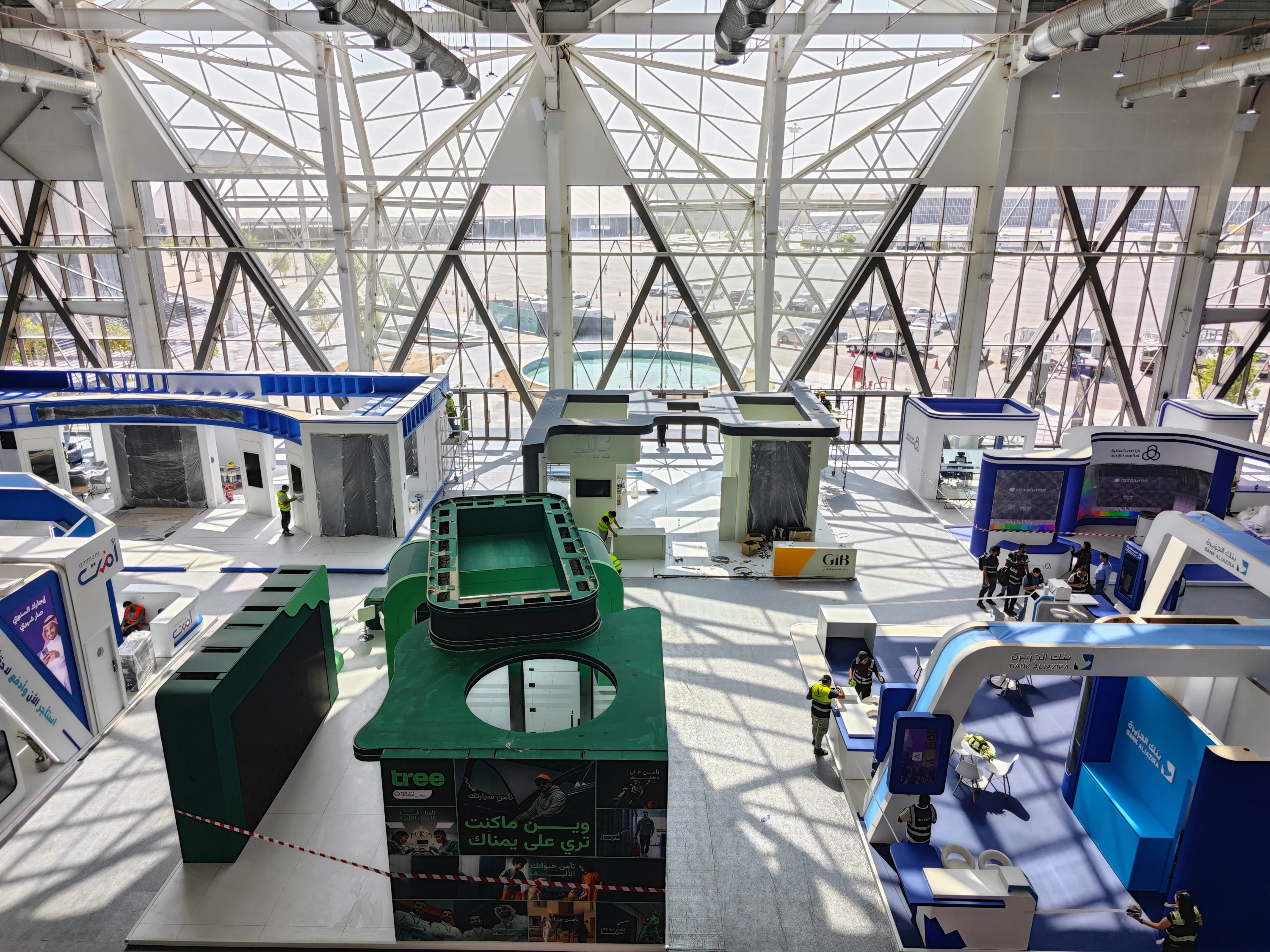
Cost drivers, explained the way a client actually experiences them
1) Experience costs: what your audience remembers (and what your sales team can repeat)
Immersive experiences win when they behave like a conversation engine. People arrive with limited attention. You give them a fast hook, a clean “guided path,” and a clear next step. That’s why we often say: your booth isn’t an installation it’s a journey. (If you want the “how not to mess it up” version, read Avoiding Common Pitfalls for Successful Smart and Immersive Interactive Solutions at Trade Fairs.)
What typically drives experience cost:
Story and demo script
Not a storyboard as “art,” but as an operational tool: what happens in the first 10 seconds, the next 30 seconds, and the “VIP mode” version when someone senior arrives.
UX and interaction design
Buttons, flows, reset states, multilingual UX, and the difference between “exploration” and “presentation.”
Content production
3D assets, animation, lighting/look-dev, data overlays, labels, and all the things that make a digital twin feel premium rather than “a 3D model on a screen.” This is why we treat Smart Content as a core budget category, not an optional add-on.
Unreal Engine development (or any real-time engine work)
This is where many budgets become fuzzy. “Interactive map” can mean anything from a glorified camera path to a real system with states, layers, performance constraints, and robust operator tools. Epic’s own recommended hardware baseline (for general UE work) includes items like 32GB RAM and 8GB+ VRAM, but event-grade deployments typically need more headroom once you push big canvases, high-resolution outputs, and always-on reliability.
A good mental shortcut:
If the experience needs to look cinematic, run smoothly for 10 hours/day, and survive constant use, you are building a product not a one-off animation.
2) LED wall costs: pixel pitch is only the beginning
The phrase “LED wall price per sqm” is one of the most misleading shortcuts in our industry, because the wall is never just “panels.”
Real cost drivers include:
Pixel pitch (and the viewing distance decision behind it)
If people will stand close, you need finer pitch. If the wall is viewed from farther away, overspending on ultra-fine pitch may not improve the experience proportionally. AVIXA’s “10x rule” is a simple heuristic often used to estimate visual acuity distance from pixel pitch (pitch × 10 ≈ viewing distance in meters, as a quick rule of thumb). It’s not gospel, but it’s a helpful starting point for early budgeting conversations.
If you want a more “engineering” approach for screen sizing and legibility, AVIXA also provides tools like the DISCAS calculators which help translate viewing conditions into sensible display decisions.
Processing and signal chain
The LED processor is where stability is won or lost. It’s also where redundancy is either designed or ignored.
If the wall is mission-critical, redundancy becomes a budget line you actually want. Brompton, for example, documents “closed loop redundancy” configurations on specific processors to create a redundant pair of outputs in case of failure.
Rigging / structure / safety
If the wall is flown, curved, integrated into a tunnel, or built as a large-format architectural surface, your cost is no longer “screen.” It’s “screen & engineering & rigging & labor windows.”
Power and distribution
Large LED & processors & compute are power-hungry. Under-budgeting power planning is a classic show-floor mistake because it forces last-minute changes that are always expensive.
3) “LED wall media server cost”: why compute budgets swing wildly
This is the category that often gets underestimated because clients think of it like “a PC.”
But event compute is not about “can it run.” It’s about:
-
Can it output the right number of pixels, at the right stability, all day?
-
Can it recover quickly?
-
Can it be operated by non-developers on-site?
-
Can it be supported under show conditions?
There are two common approaches:
A) Render workstation (high-end PC)
A powerful GPU workstation running Unreal Engine and outputting directly to the LED chain.
B) Pro media server class hardware
This is common in large live productions and complex multi-output environments. It’s built for rack mounting, thermal stability, I/O, and pro workflows.
To make this tangible: Disguise publishes spec sheets for servers like the vx range that show typical pro realities rack-mount form factor, significant power consumption (hundreds of watts), and weight/transport considerations. For example, one vx 4+ spec sheet lists a 4U rack unit with notable power consumption and substantial physical weight exact numbers vary by model and sheet, but the point is: these aren’t “office PCs.”
What drives media server/workstation cost in immersive booths:
Pixel load
A “big wall” is not a concept, it’s a pixel count. Pixel count & framerate & color depth & outputs = real requirements.
Number of outputs and sync
One output is simpler. Multiple outputs, edge blending, multiple processors, or special timing constraints raise the bar.
Real-time 3D is different from playback
If you’re mostly playing video loops, your requirements differ from running an interactive Unreal experience that must respond instantly.
Reliability margin
A system that barely runs in the lab is a system that fails on-site. Budgets increase when you design for “show-day reliability.”
Epic’s official Unreal Engine hardware guidance is a safe reference point for minimum/recommended baselines, but immersive exhibition systems should be treated as a different class: bigger canvases, longer duty cycles, less tolerance for crashes.
4) Interaction layer: the costs that turn a screen into a journey
This is where a booth moves from “wow wall” to “wow experience.”
Common cost drivers:
Control devices
iPads/tablets, touch displays, operator stations, sometimes multiple roles (presenter vs attendee).
Interaction tech
Tangible tables, tokens, sensors, cameras, RFID, etc. (and the integration time that comes with them).
The “any device” layer
When you want the Unreal experience controlled from any device via browser, Pixel Streaming becomes relevant not as a buzzword, but as a practical architecture choice.
If you haven’t read it yet, our guide Pixel Streaming for Exhibitions: Tablets, Unreal Engine, LED Wall explains why this can reduce friction and simplify operations: Unreal runs on a strong machine, while devices connect through a browser to view/control the experience.
That has a direct budget implication: sometimes you save money not by buying cheaper devices, but by reducing the number of “special devices” you need.
5) Networking and IT: budget the planning time, not just the router
Even if your booth never touches the internet, you still need a network plan.
The cost isn’t the router. The cost is:
-
testing time
-
contingency design
-
and avoiding show-floor “mystery failures.”
For browser-controlled setups, corporate/venue networks can introduce constraints; in cloud deployments, reference architectures (like Microsoft’s overview for Unreal Pixel Streaming in Azure) illustrate how the system is typically structured when you go beyond simple LAN setups.
In budget terms, decide early:
-
Do we run a dedicated booth LAN we control?
-
Do we need external access?
-
Who is responsible for approvals and testing?
6) Show costs: the part that surprises people most (and the easiest place to waste money)
If you’ve ever looked at a post-show invoice and thought, “How did that happen?” this is why.
The biggest hidden driver is often material handling / drayage.
GES describes material handling (drayage) as the unloading, moving freight to the booth, storing/returning empties, and reloading at the end of show.
ExhibitorOnline explains that drayage is commonly billed by hundredweight (CWT).
The budgeting implication is brutal and simple:
Heavy builds cost more to move, store, and handle sometimes repeatedly inside the venue.
Also, labor rules matter. Many venues have strict jurisdictions and union rules that define who can do what, and material handling is often not included in the booth space cost.
Show costs that routinely hit immersive experiences:
-
drayage/material handling
-
rigging and lifting
-
overtime windows
-
last-minute cabling and power changes
-
on-site support staff (the cheapest insurance you can buy, if your booth matters)
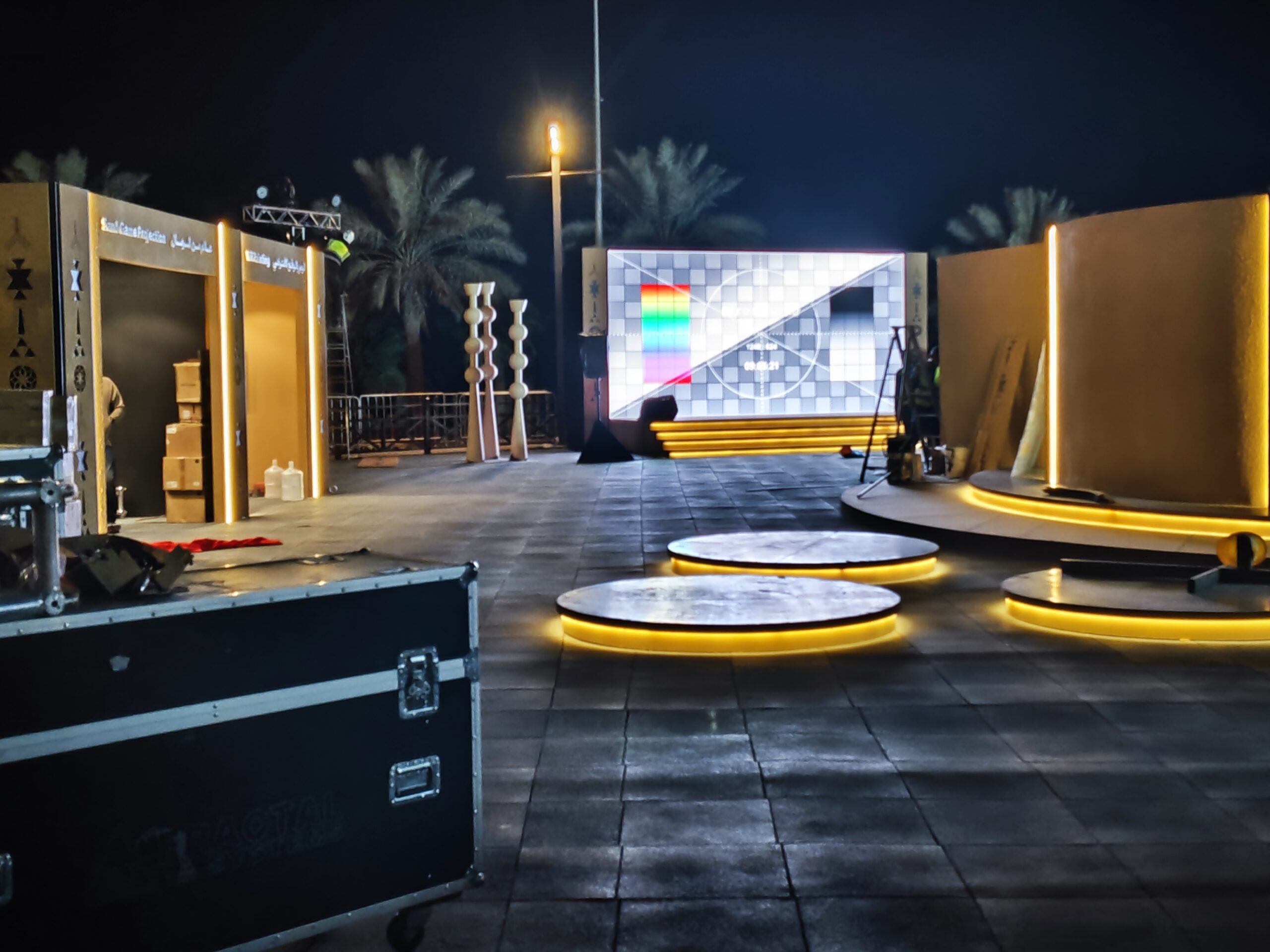
Where to save (without making it look cheaper)
The goal is not “cheap.” The goal is efficient: spend where it creates differentiation and reliability, and stop spending on invisible overkill.
Save #1: Decide viewing distance first then choose pixel pitch
Pixel pitch should be justified by how close people will realistically get. AVIXA’s pixel pitch guidance is a good starting reference when aligning expectations early.
Save #2: Reduce weight and complexity (because drayage is real money)
Material handling is a service and it’s billed accordingly. The lighter and more modular your build, the less you pay to move it and store it especially when shipments aren’t consolidated.
Save #3: Control scope by designing a repeatable demo
The highest-value immersive booths don’t have “every feature.” They have a demo that staff can deliver consistently, fast, and confidently. Feature creep is the biggest budget leak. Our trade fair pitfalls guide exists for a reason.
Save #4: Don’t overspend on endpoints simplify the architecture
If you can run Unreal on one robust machine and control it from any device through a browser, you reduce “device sprawl.” Pixel Streaming is one way to achieve that, and we break down the event reality in our Pixel Streaming article.
Save #5: Spend on reliability where downtime is expensive
Redundancy isn’t glamour, but it’s value. LED processing redundancy options exist (for example, closed loop redundancy configurations in Brompton ecosystems) and can be the difference between a confident demo and a dead wall.
Save #6: Use percentage-based budgeting early (then refine)
In early planning, you don’t need perfect numbers. You need a cost model that prevents wrong decisions. Use a split like:
-
Experience: meaningful chunk (it’s what sells)
-
System: sized by pixel load and reliability requirements
-
Show: sized by venue realities and logistics
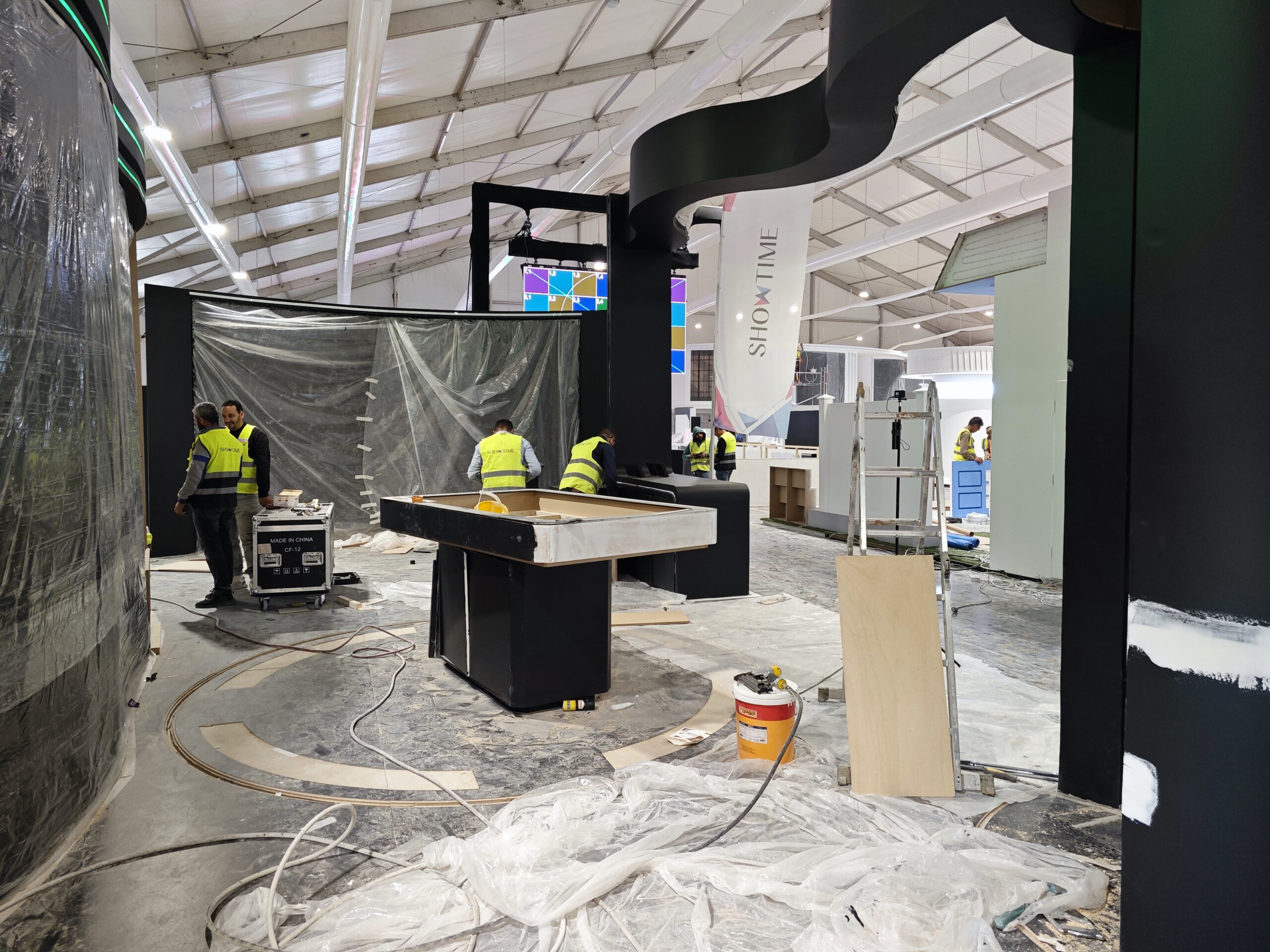
Three budget scenarios (use these as a planning template)
Instead of publishing price tags that don’t survive real procurement, we recommend thinking in scenario logic and % splits.
Scenario A: “Hero LED wall & tablet control” (high impact, lean interaction)
Best for: brands that need a wow moment & guided story
Typical drivers: LED & processing & workstation & simple control UI
Common savings: fewer interactive devices, simpler logistics
Scenario B: “LED wall & interactive layer & deeper content”
Best for: real estate, complex stories, multi-layer projects
Typical drivers: Unreal dev, content/3D assets, structured demo modes, operator tooling
Common savings: scope control (choose fewer, stronger layers)
Scenario C: “Multi-zone immersive booth & redundancy”
Best for: high-stakes flagship presence
Typical drivers: multiple outputs, additional compute, support staff, redundancy planning
Common savings: smarter architecture (reduce device sprawl, simplify operations)
If your project is digital twin-led, you’ll usually lean toward Scenario B or C because content quality and clarity matter. See how we frame real-estate-ready twins in Digital Twin Solutions and in projects like the JCDC Digital Twin Project.
Procurement checklist: what to ask so the budget stays real
Keep this part short, but don’t skip it. These questions save money:
-
What is included in installation and commissioning (and what isn’t)?
-
Who owns networking and device management on-site?
-
What redundancy is included in the LED processing chain?
-
What happens if a tablet fails what’s the recovery plan?
-
How many hours are allocated for on-site testing?
-
What are the venue labor/drayage rules and typical costs for our shipment class?
If you’re the person who needs to justify ROI internally, you may also like our broader thinking on immersive tech as a measurable brand tool in Immersive Interactive Technology for Events.
Closing: budgeting is not about cutting it’s about investing correctly
A great immersive booth doesn’t win because it has “more tech.” It wins because it turns complexity into clarity and makes people act: book a meeting, request details, or move closer to a decision.
When you budget with the Experience/System/Show model, your numbers become defendable. You stop guessing. You stop being surprised. And you start investing in the parts that actually create the wow and keep it alive for the full event.
If you want us to sanity-check your immersive booth cost structure, share three inputs: booth size, the main KPI (leads, meetings, awareness, sales), and the hero surface you’re considering (LED wall size/pitch). You can reach us via our contact page or browse relevant references in our projects portfolio.
FAQ: Budgeting Immersive Experiences
-
What are the biggest cost drivers in an immersive booth budget?
Usually it’s a combination of content/experience scope, the LED wall & processing chain, the compute/media server requirements, and the show costs (installation, labor rules, freight and drayage/material handling). -
Why does “LED wall price per sqm” rarely reflect the real budget?
Because the total cost depends heavily on pixel pitch (viewing distance), processing, rigging/structure, power distribution, installation labor, and reliability planning not just the panels. -
How do we choose pixel pitch without overspending?
Start from how close people will actually stand to the wall, then choose pitch accordingly. If the wall is viewed from farther away, ultra-fine pitch often adds cost without a proportional impact. -
What determines the “LED wall media server cost”?
Mainly the pixel load, number of outputs, whether you run real-time Unreal content vs simple playback, and how much stability/redundancy you need for show-day operation. -
Where can we save money without making the booth feel cheaper?
Typically by controlling content scope, choosing pixel pitch based on real viewing distance, reducing shipping weight (drayage impact), simplifying the device setup (fewer “special” endpoints), and spending selectively on reliability where downtime is costly. -
What are drayage/material handling costs and why do they matter?
They’re venue services for unloading, moving freight to your booth, storing empties, and reloading after the show often billed by weight. Heavy builds and fragmented shipments can increase these costs fast. -
What questions should we ask vendors to keep the budget realistic?
Ask what’s included in install/commissioning, who owns networking and device management, what redundancy is included, how on-site testing is planned, and what the venue’s labor and material handling rules will add to the total.